
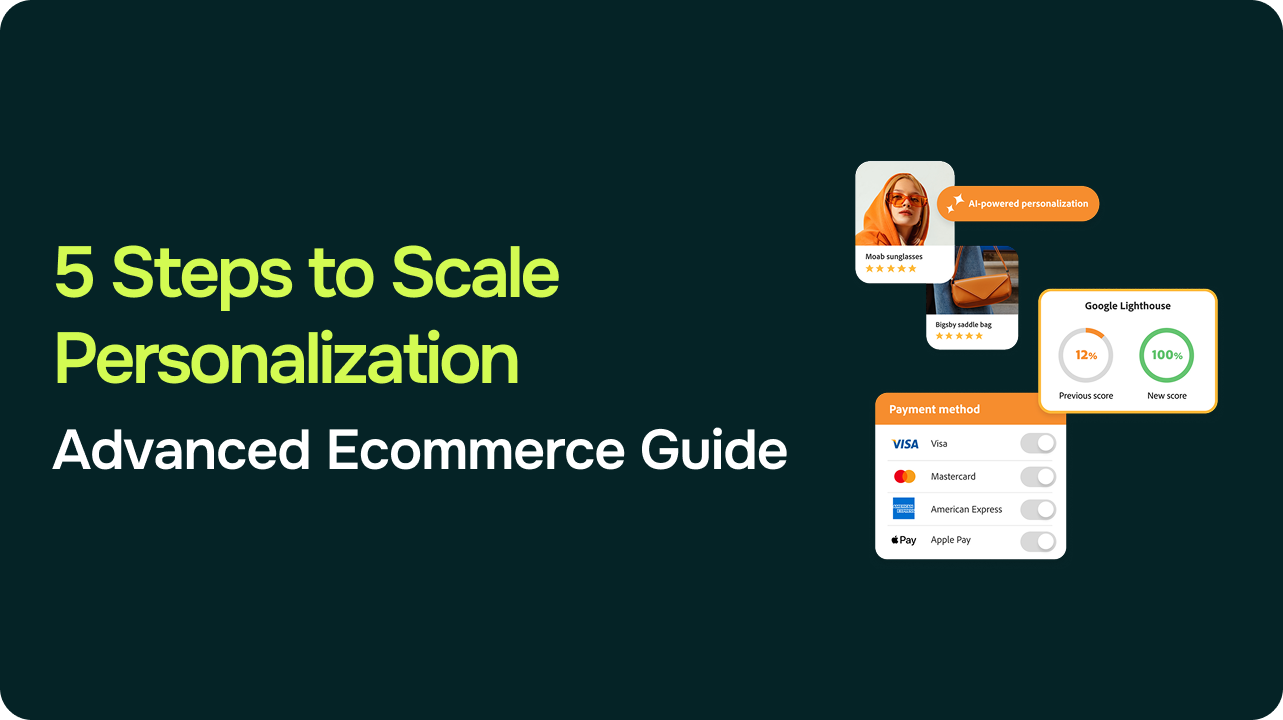
Imagine walking into your favorite physical store where the staff remembers your name, pulls up your past purchases, suggests perfect size matches, and even curates outfits from your recent browsing. That’s the magic ecommerce personalization aims to replicate online – at scale. For established stores with steady traffic, it unlocks revenue growth by turning casual visitors into loyal buyers. Shopify’s enterprise blog highlights that personalized product recommendations help ecommerce brands tailor the onsite experience and contribute to stronger engagement and order value.
Yet scaling this for high-traffic operations often overwhelms teams with data silos and complexity. This step-by-step guide delivers five clear implementation steps, drawing on proven authorities like Klaviyo, Shopify, and Forrester. You’ll deploy onsite widgets, email flows, and cross-channel tactics without starting from scratch. Let’s build experiences that feel personal, not pushy.
Step #1: Audit Your Data Foundation
Great personalization stories always begin with the data you already own but seldom unify across tools. Picture a fashion retailer drowning in scattered insights – GA4 events in one tab, Shopify orders in another, CRM profiles ignored. Their breakthrough came from a simple audit, revealing untapped patterns like “mobile users who abandon high-value carts but return via email.”
What to do: Gather 90 days of first-party data from your core platforms: sessions, events, transactions, browse history. Focus on signals like device type, location, past purchases, and page views. Export to spreadsheets or BigQuery for a clean view.
Business story: Sephora’s Beauty Insider program mastered this by blending CRM data with app behavior, creating tailored skincare routines that felt exclusive. This emotional connection drove loyalty far beyond transactions.
Action steps:
- Run GA4 segments for top behaviors (e.g., repeat vs. new).
- Scrub duplicates and ensure GDPR/CCPA compliance.
WD Market’s Customer Lifetime in Ecommerce: All You Need to Know connects data audits with LTV analysis, helping teams understand which customer segments are worth prioritizing long term.
Pro tip: Google’s consumer behavior research ties 53% of mobile abandonment to irrelevant experiences. Audit mobile signals first for quick engagement wins. Clean data powers better recovery rates. This foundation prevents personalization pitfalls and takes just 1-2 days.
Step #2: Segment Customers by Behavior
Segmentation transforms raw data into stories of how real buyers behave – not demographics, but actions that predict value. Think of a retailer spotting “price-sensitive browsers who linger on sales pages but convert via email nudges.” Behavior-based groups make every interaction relevant.
What to do: Build 5-10 dynamic segments: cart abandoners (no buy after 24h), loyalists (3+ orders), high-AOV hunters, mobile-first newcomers. Layer RFM (Recency, Frequency, Monetary) with recent interactions like “last three pages viewed.”
Business story: Starbucks uses app data to segment by habits, pushing custom drink offers that feel intuitive. Customers engage more because it mirrors their routine, turning one-off buys into habits.
Action steps:
- Platforms: Shopify apps like Rebuy or Klaviyo’s native segmentation.
- Test small: A/B homepage banners for “returning visitors” vs. generic.
| Segment | Key Signal | Tactic | Expected Lift |
|
Cart Abandoners |
Open cart >1h | Recovery email | Cart recovery |
| Repeat Buyers | 3+ purchases | Bundle recs |
AOV |
| Mobile Newbies | High bounce + mobile | Simplified CTAs | CR |
Pro tip: Forrester research emphasizes that behavioral segmentation, based on real customer actions rather than static demographics, plays a critical role in improving engagement and retention. Start by focusing on your most valuable 80/20 segments to drive meaningful impact.
Step #3: Deploy Onsite Personalization Widgets
Now bring segments to life onsite, where shoppers decide to buy. Envision a product page greeting visitors with “Top picks for you – based on your recent views.” Simple, addictive, and revenue-driving.
What to do: Install three widget types: “Recently viewed,” “Frequently bought together,” and “Trending for you like your cart.” Cap at 4-5 items, powered by real-time first-party data. Place on PDPs, homepages, and category pages.
Business story: According to Shopify’s enterprise blog, Pura Vida Bracelets uses personalization tools like Nosto on product pages to display complementary and related items, tailoring the onsite experience and guiding shoppers toward relevant products.
Action steps:
- Quick setup: Nosto or Rebuy for Shopify; native tools for Magento.
- Track via GA4: clicks, add-to-carts, revenue per widget.
- WD Market’s Best CRO Strategies For Your E-commerce business offers insights on UX optimization and CRO testing.
Pro tip: Usability research from the Nielsen Norman Group shows that reducing cognitive load and keeping interfaces simple improves engagement and decision-making.
BigCommerce also highlights that ecommerce personalization works best when recommendations and widgets reduce friction rather than add complexity – especially on product and category pages.
Step #4: Automate Email and Post-Purchase Flows
Extend onsite magic to email, where abandoned carts live. Emails like “Hey Alex, finish your blue jacket order?” succeed because they pick up the story exactly where it left off, feeling timely and personal.
What to do: Automate four flows: cart recovery (1 hour post-abandon), browse abandonment (24 hours), post-purchase upsell (3 days), win-back (90 days for lapsed). Pull dynamic content from carts – exact items, prices, discounts.
Business story: A fashion brand automated “Complete the look” emails post-purchase, matching accessories to bought items. Repeats jumped as customers felt guided, not sold.
Action steps:
- Klaviyo or Omnisend: drag-and-drop personalization blocks.
- Personalize subjects (e.g., “[Item] waiting for you”) for open boosts.
- Add SMS for higher engagement.
Pro tip: Klaviyo highlights that behavior-triggered email flows (such as browse abandonment and post-purchase follow-ups) work best when messages are timed around real shopper actions and include dynamic product content. This keeps communication relevant without feeling pushy.
Step #5: Optimize and Scale Cross-Channel
Scale turns channels into a unified journey – like a personal shopper across site, email, and ads. Sync a PDP recommendation to follow via email, then retarget on social. That’s the flywheel.
What to do: Unify with customer IDs in a CDP like Segment. Dashboard key metrics: CR, AOV, LTV per segment. Run quarterly A/B tests on full journeys; localize content for global audiences.
Business story: A global electronics retailer synced onsite recs to Klaviyo emails and Google ads, creating seamless paths. Funnel efficiency rose, proving omnichannel pays.
Action steps:
- Tools: Google Analytics 360 or Tealium for syncing.
- Scale winners: 10k-visitor tests before full rollout.
- Predictive AI emerging: Adobe analytics forecasts lifts for high-traffic catalogs.
Final Thoughts
These five steps craft personalization like a compelling story: data sets the scene, segments define characters, widgets advance the action, emails heighten engagement, and cross-channel delivers payoff. Established stores unlock revenue without extra headcount, as highlighted across insights from Shopify, Klaviyo and Forrester.
Pick one step today – start with your data audit for immediate insights.
Ready to implement personalization at scale? WD Market partners with established ecommerce stores to refine CRO strategies, personalization setups, and growth plans. Schedule a complimentary strategy consultation today.